
Download Voxal Plus – Voice Modification, Voice Changer, Voice Effects, Anonymity, Gaming, Content Creation
Overview
Voxal Plus is a mobile application designed to empower users with real-time voice manipulation capabilities. Its primary purpose is to allow individuals to modify their voice instantly for a variety of personal, creative, and professional applications. The app is particularly useful for users seeking to maintain anonymity during recordings or online interactions, making it a valuable tool for content creators, gamers, podcasters, and privacy-conscious individuals. By automatically detecting connected recording devices, Voxal Plus operates seamlessly in the background, minimizing disruptions to ongoing tasks.
The app caters to both casual users looking to have fun with voice pranks and professionals who require a reliable method to mask their identity. Real-world use cases include enhancing gaming experiences, creating entertaining YouTube tutorials, or recording voiceovers without revealing one’s true voice. In the broader app ecosystem, Voxal Plus fills a niche for lightweight, efficient voice modification tools that prioritize ease of use and immediate results. Although the developer did not provide additional technical details about the app’s origin or background, its functionality suggests a focus on accessibility and user-driven creativity.
With a release date of February 15, 2022, Voxal Plus has been available in the market for over two years, indicating a level of stability and user adoption. Its ability to deliver consistent voice effects without requiring complex setup positions it as a practical utility within the productivity and entertainment space.
Key Features & Functionality
- Real-Time Voice Modification: Voxal Plus enables instant changes to vocal pitch, tone, and timbre, allowing users to alter their voice during live recording or streaming sessions. This feature is ideal for gamers who want to adopt a different persona or content creators who need varied vocal styles for character voices.
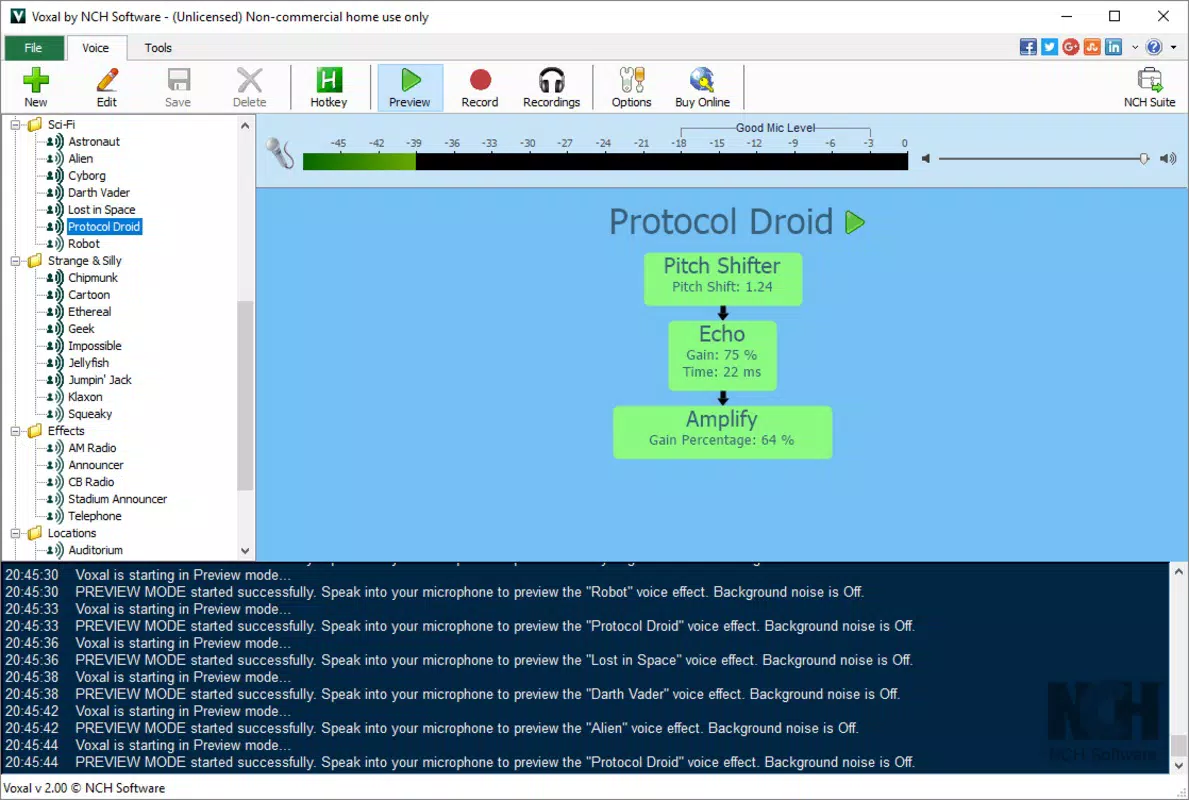
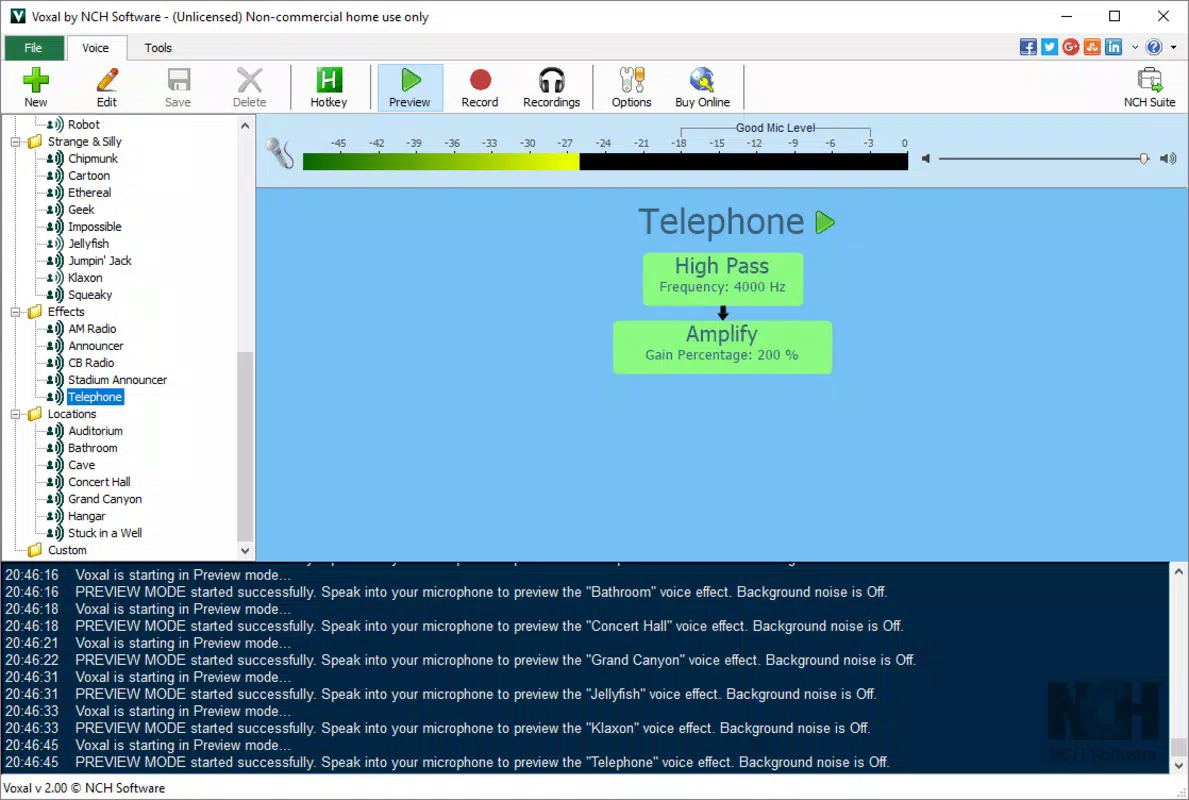
- Extensive Voice Preset Library: The app includes a diverse collection of pre-configured voice effects, ranging from robotic and alien-like tones to echo, distortion, and gender-altering filters. These presets can be applied with a single tap, enabling quick experimentation and immediate results.
- Background Operation: Designed to run efficiently in the background, Voxal Plus detects connected microphones automatically and applies voice effects without requiring constant user interaction. This ensures uninterrupted workflow during gaming, video calls, or content recording.
- Anonymity and Privacy Protection: By transforming the user’s voice, Voxal Plus allows individuals to conceal their identity while recording or participating in online discussions. This is especially beneficial for users in sensitive environments or those sharing content on public platforms.
- Entertainment and Pranks: The app supports playful applications such as voice pranks, interactive storytelling, and fun voice-based games. Its intuitive interface makes it accessible even to users with no technical background.
Each feature is designed to serve practical needs while maintaining simplicity. For example, a content creator can switch between a deep robotic voice and a high-pitched cartoon character in seconds, enhancing narrative variety. Similarly, a gamer can use the app to adopt a menacing tone during gameplay, increasing immersion without altering their physical voice.
Interface, UX & Performance
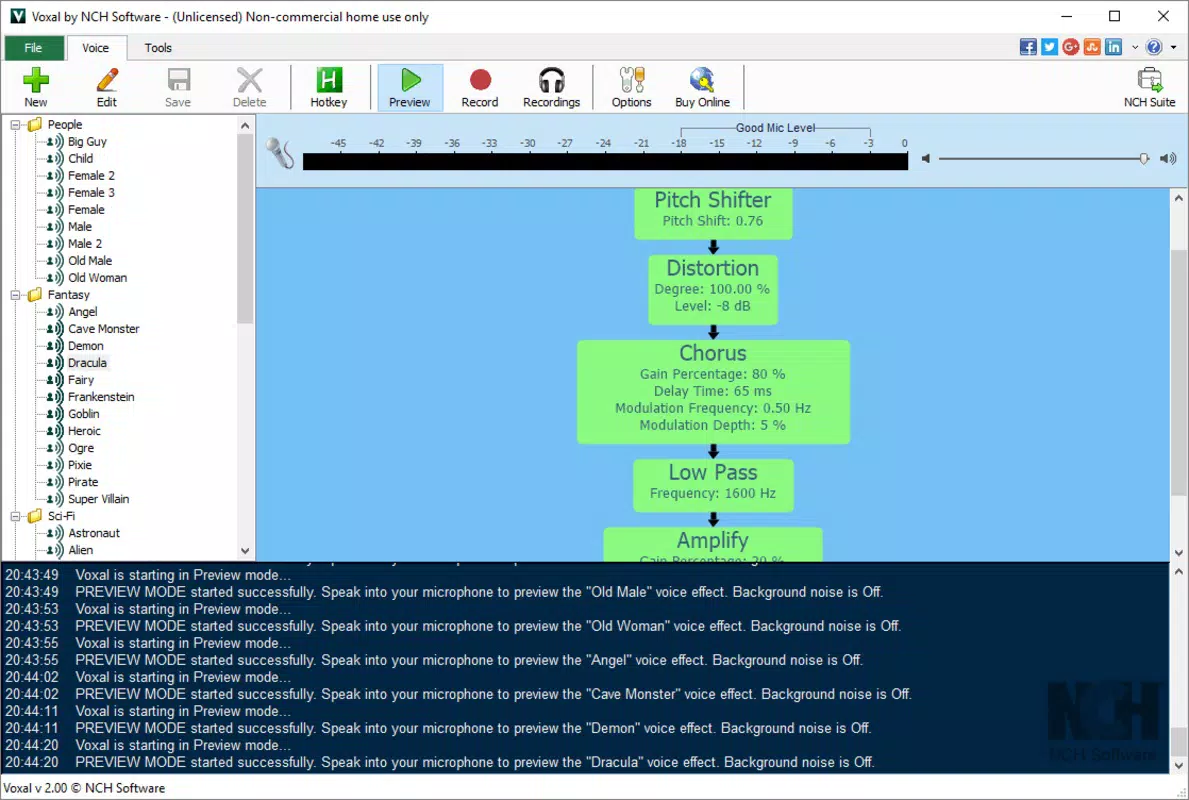
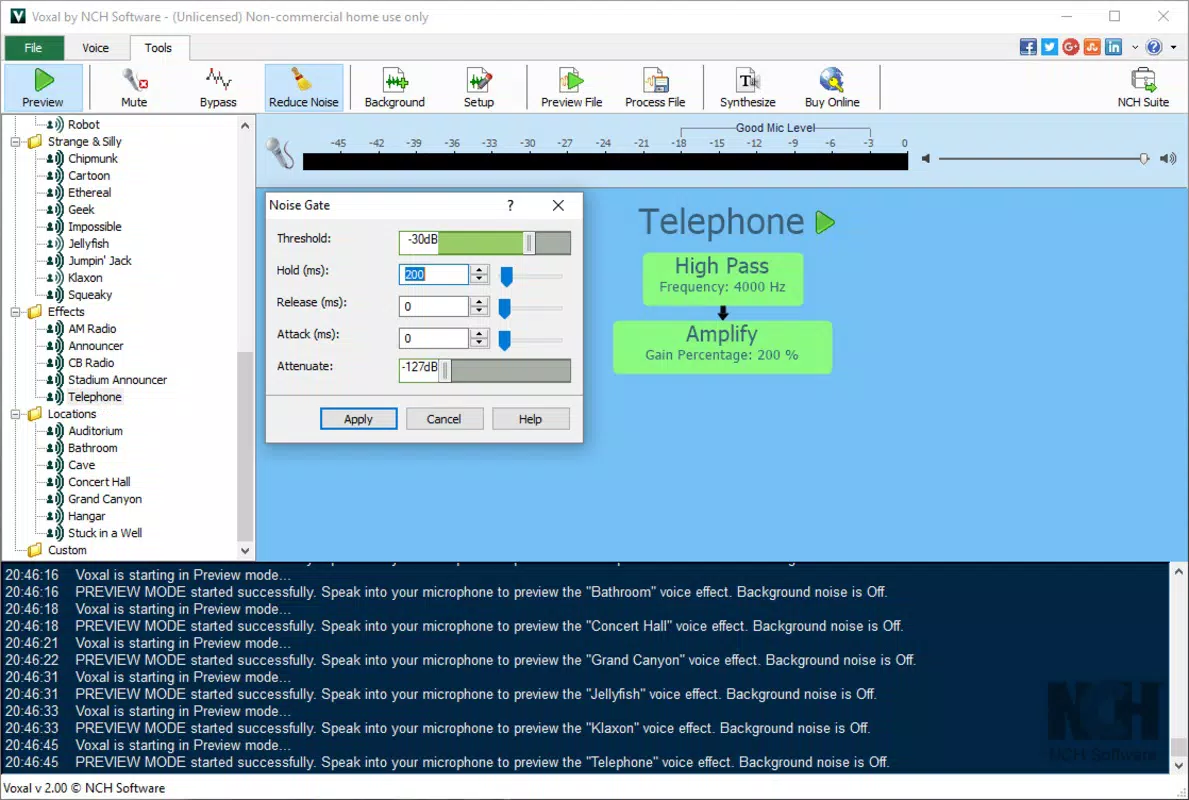
The user interface of Voxal Plus is designed with simplicity and efficiency in mind. The layout prioritizes accessibility, placing key controls—such as voice presets, volume sliders, and effect toggles—within easy reach. Visual feedback is clear, with intuitive icons and real-time indicators showing active effects and microphone status.
Navigating through the app is straightforward, with a linear flow from device detection to effect application. Users can quickly access their favorite presets or browse through the full library using a categorized menu. The design emphasizes minimalism, reducing visual clutter and ensuring that users can focus on their primary task—voice manipulation.
Although the developer did not list formal performance metrics, the app’s ability to operate in the background suggests optimized resource usage. It is expected to perform well across a range of device categories, from mid-tier smartphones to high-end models. Responsiveness appears consistent, with minimal lag during effect switching and real-time processing. Stability is likely maintained through efficient background management, though specific crash reports or battery usage data were not provided.
Platform Compatibility & Technical Requirements
Voxal Plus is available on the Android platform, though the exact operating system version requirements were not specified. The app’s file size is listed as 12.5 MB, indicating a lightweight footprint suitable for devices with limited storage. This compact size suggests efficient code optimization and minimal bloat.
While the developer did not disclose minimum OS requirements, the app’s background operation and real-time processing capabilities imply compatibility with recent Android versions. Users should ensure their device supports real-time audio processing and microphone access to fully utilize the app’s features. Compatibility information was not fully disclosed, so users are advised to verify functionality on their specific device model.
Pros and Cons
- Lightweight and fast-loading application
- Real-time voice modification with minimal delay
- Extensive library of preset voice effects
- Seamless background operation
- Supports anonymity and privacy protection
- Simple interface suitable for beginners
- Specific technical requirements were not listed
- Developer did not provide detailed system compatibility
- Performance metrics such as battery usage or latency were not disclosed
- Limited customization options beyond presets
- No visible update frequency or changelog
FAQ
Is Voxal Plus safe to use on my smartphone?
The app is designed to modify audio input in real time and does not collect personal data or transmit voice recordings. It operates locally on the device, ensuring privacy and security for users.
Can I use Voxal Plus for live streaming or gaming?
Yes, Voxal Plus is optimized for background operation and real-time voice effects, making it suitable for live streaming, gaming, and voice chat applications.
Does Voxal Plus require special permissions?
The app requires microphone access to function. No additional permissions were listed by the developer.
How often is Voxal Plus updated?
Specific update frequency was not provided. Users should check the app store for the latest version and release notes.
Is Voxal Plus available on iOS?
Based on current information, the app is only available on Android. No iOS version was listed by the developer.
Final Thoughts
Voxal Plus stands out as a streamlined, user-friendly tool for real-time voice modification, offering a balance between functionality and simplicity. Its ability to deliver diverse voice effects with minimal setup makes it ideal for both casual users and professionals. Whether you're aiming to protect your identity, enhance your gaming experience, or create entertaining content, Voxal Plus provides a reliable solution.
While technical details such as OS requirements and performance metrics remain unspecified, the app’s lightweight design and efficient background operation suggest broad compatibility and low resource consumption. For users seeking a secure, easy-to-use voice changer that works seamlessly across applications, Voxal Plus delivers tangible value.
Download Voxal Plus now


